> ## Documentation Index
> Fetch the complete documentation index at: https://sigma-docs.pastelhq.ai/llms.txt
> Use this file to discover all available pages before exploring further.
# Introduction
> Case Management helps compliance and operations teams track, investigate, and resolve flagged activity across all Sigma products.
### What is Case Management?
Case Management is Sigma's built-in investigation workspace. When your team flags a suspicious transaction, identifies a high-risk customer, or receives an adverse media hit, Case Management gives you a structured place to investigate it — assigning ownership, tracking progress, recording decisions, and maintaining a full audit trail.
Cases can be created manually from the dashboard or linked directly to records from other Sigma products: flagged transactions, AML screening results, CDD reviews, or KYC lookups. Every action taken on a case is logged automatically, giving you a compliance-ready record of how each issue was handled.
### Why it Matters
Investigations are rarely simple. They involve multiple people, span days or weeks, and require documentation that can withstand regulatory scrutiny. Without a centralised system, teams rely on spreadsheets, emails, and informal handoffs — creating gaps that auditors find and regulators flag.
Case Management solves this by:
* **Assigning clear ownership** — every case has a responsible analyst and an optional escalation path
* **Tracking status end to end** — from open through in progress to resolved or closed
* **Keeping a full audit trail** — every status change, comment, reassignment, and task completion is logged with a timestamp and the user who made it
* **Supporting collaboration** — analysts can comment, tag teammates, attach files, and update checklists within the case
* **Enabling AI-assisted investigation** — Sigma can run an AI investigation on any case to surface relevant context and flag patterns
### When to Create a Case
| Trigger | Example |
| ----------------------- | ----------------------------------------------------------------------------- |
| **Flagged transaction** | A transaction scoring above your fraud threshold needs manual review |
| **AML hit** | A PEP or sanctions match requires investigation before a decision is recorded |
| **CDD concern** | A customer's risk tier increases and a deeper review is needed |
| **Regulatory request** | An authority requests documentation of how a specific customer was handled |
| **Internal escalation** | A junior analyst flags an issue that needs senior review |
### Core Capabilities
* **Create cases** linked to any Sigma record or standalone for general investigations
* **Assign and reassign** cases to specific team members with email notifications
* **Set priority and due dates** to manage workload and SLA compliance
* **Track tasks** within each case as a checklist
* **Comment and collaborate** with file attachments and user mentions
* **Escalate** cases to senior team members when needed
* **Update status** to reflect where the investigation stands
* **Run AI investigation** to surface relevant context automatically
* **Manage custom modules** to categorise cases beyond Sigma's default product modules
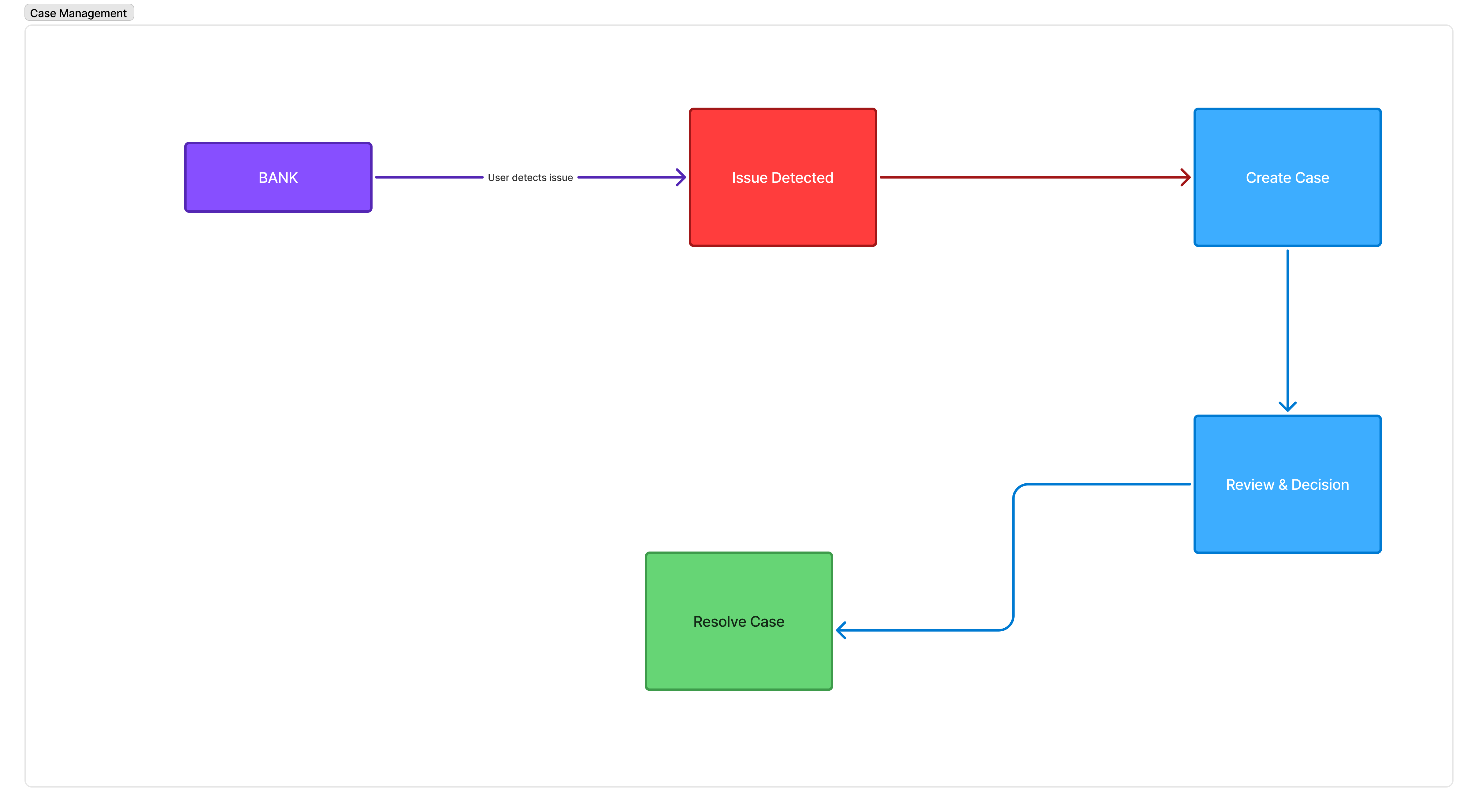 Understand the case lifecycle and how to run your first investigation.
See how teams run end-to-end investigations with Case Management.
Step-by-step guide to opening a new case.
Assign, update, escalate, and close cases.
Create cases programmatically via the API.
Understand the case lifecycle and how to run your first investigation.
See how teams run end-to-end investigations with Case Management.
Step-by-step guide to opening a new case.
Assign, update, escalate, and close cases.
Create cases programmatically via the API.